What running a profile for every branch involves
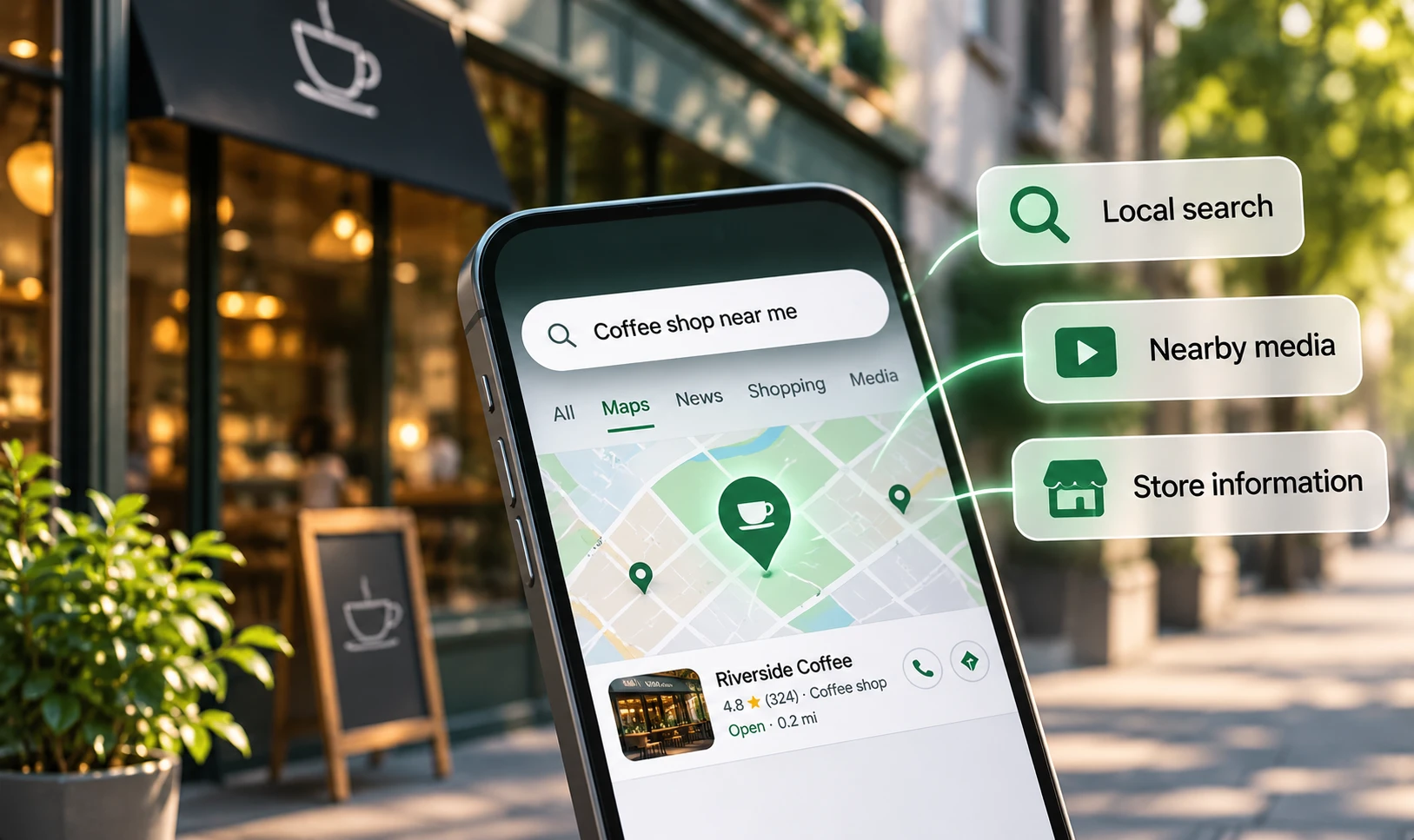
A Google Business Profile is the listing that appears in Google Maps and in the local results on Search. For a chain, it is often the first thing a shopper sees about a branch, and the place where they decide whether it is open, whether it stocks what they need and how to get there.
Running one profile is simple. Running a hundred is an operations job. Hours change for bank holidays, branches open and close, managers move, departments launch, and every change has to reach the listing on time. Chains that treat profiles as a one-off set-up task find the data drifts within months.
Why it matters for retail chains
Shoppers judge branches on what the profile shows. BrightLocal's 2026 survey of 1,002 US consumers found that 92% say star ratings matter when choosing a business, 89% expect owners to respond to reviews, and 42% are unlikely to use a business that never replies (BrightLocal, 2026). Expectations of speed have jumped: 19% now expect a same-day reply, up from 6% the year before. The sample is US-only, but UK shoppers use the same platforms.
Accuracy also affects ranking. In Whitespark's 2026 expert survey of 47 local search specialists, the primary category and whether a business is open at the time of search were both among the top five factors for map rankings (Whitespark, 2025). A branch showing the wrong hours can drop out of results for people searching in the evening, as well as sending some of them to a locked door.
And profiles are changing. Google has removed the public questions and answers feature from Maps and is replacing it with an AI-powered Ask button that answers from the business's own information and reviews (Search Engine Roundtable, 2025). That makes complete, accurate profile data more important, because AI answers can only be as good as what the profile contains.
Set the foundations: naming, categories and verification
Google's guidelines are specific for chains. Locations in the same country should use one consistent name, matching the shopfront, without adding the town, a shopping centre or keywords. All locations should share the one category that best describes the business, using as few and as specific categories as possible (Google Business Profile Help, 2026). A distinct department with its own entrance, name and category, such as an in-store pharmacy or optician, can have its own profile with its own hours.
Chains with ten or more locations of the same business can apply for bulk verification through Business Profile Manager, using a spreadsheet of every profile they manage. Duplicate, suspended or disabled profiles do not count towards the ten, and Google may remove verification from accounts that do not actively manage their profiles (Google Business Profile Help, 2026). Use one business group account, with access for regional managers, rather than profiles scattered across personal logins.
- One name across all branches, as shown on the shopfront.
- One shared primary category, with few, specific additional categories.
- Separate profiles only for genuine departments with their own entrance and name.
- A local phone number for each branch where possible, not only a central helpline.
- A link from each profile to that branch's own store page, not the home page.
Keep the details right: hours, photos, products and questions
Hours are the most common failure. Set regular hours for every branch, add special hours well ahead of bank holidays and events, and mark seasonal branches as temporarily closed rather than leaving them looking open. Departments should carry their own hours on their own profiles.
Photos should be real and current: the shopfront as it looks from the street, the entrance, the inside, parking and staff. Replace them when a branch is refitted. For products, Google lets retailers in the UK, US, Canada and Ireland show in-store products, either added manually or through local inventory from Merchant Center, provided they follow the Shopping ads policy (Google Business Profile Help, 2026). For a chain, a local inventory feed is the only practical way to keep products accurate across many branches.
With public Q&A gone, put the answers to common questions directly into the profile: attributes such as accessibility and parking, services such as click and collect, and the business description. Google's own advice for local ranking is to keep information complete, reply to reviews, add photos and add in-store products where eligible (Google Business Profile Help, 2026).
Find and fix duplicate listings
Duplicates are common in chains: a branch that moved and left its old listing behind, a profile created by a former manager, a department listed twice, or a listing created by Google from public data. Duplicates split reviews, confuse shoppers and can send people to the wrong address.
Google's guidelines allow only one profile per location, apart from genuine departments. Where a branch has rebranded with a minor name change, update the existing profile; where the change is substantial, Google treats it as a new business, and the old profile should be marked closed (Google Business Profile Help, 2026). Audit for duplicates at least quarterly by searching each branch address and phone number on Google Maps, and report the ones you do not control.
For example, a hypothetical chain of 60 pharmacies might find, in its first audit, eight closed branches still showing as open, five moved branches with an old listing at the previous address and three departments with no profile at all. Fixing those is often the quickest win available.
Track calls and direction requests per branch
Each profile reports interactions, including direction requests, calls, website clicks and, where relevant, product views and bookings. Direction counts are adjusted for repeated taps, cancelled requests and spam; calls are taps on the call button and need a phone number on the profile; and the figures include activity from both organic results and Google Ads (Google Business Profile Help, 2026). Business Profile Manager can export performance for many branches at once into a spreadsheet, so you can compare locations (Google Business Profile Help, 2026).
Export monthly, and look at each branch against its own history and against similar branches. A fall in direction requests at one branch often points to a listing problem: wrong hours, a duplicate, a lost category or a run of poor reviews. Add a tracked link, with campaign tags, from each profile to its store page, so website visits from the listing can be separated from other search traffic. Combine these with store sales in your retail reporting.
- Direction requests, calls and website clicks per branch, monthly.
- Rating, review count and reply rate per branch.
- Searches and views per branch, to spot visibility changes.
- Number of open issues: wrong hours, duplicates, suspended profiles.
- Store sales and footfall alongside profile actions.
Common mistakes, what good looks like, and what to ask
Common mistakes include keywords added to branch names, different categories across branches, holiday hours set late or not at all, closed branches left live, profiles owned by former staff, duplicates ignored, every profile linked to the home page, and performance looked at only as a chain total. Good looks like one managed account, consistent names and categories, hours updated ahead of every holiday, a local inventory feed, reviews answered within a day or two, a quarterly duplicate audit and a monthly report by branch.
When choosing a supplier or listings platform, ask how they will keep hours and details in sync across every branch, how they detect and remove duplicates, how they handle departments, whether they can connect your inventory feed, and how they will report direction requests and calls per branch alongside sales. Our store visits service covers this work.
Put this into practice
Book a discovery call and we will review your channels and results first, then agree what to test.
Audit the profiles for every branchQuestions and answers
Can each branch of a chain have its own Google Business Profile?
Yes. Google allows one profile per physical location, and genuine departments with their own entrance, name and category can have their own too. Chain branches in one country should share the same name and main category.
How do retail chains verify many profiles at once?
Chains with ten or more locations of the same business can apply for bulk verification in Business Profile Manager, using a spreadsheet of every profile they manage. Duplicate, suspended or disabled profiles do not count towards the minimum.
What happened to questions and answers on Google Business Profiles?
Google has removed the public Q&A section from Maps and is replacing it with an AI-powered Ask feature that answers from the profile's information and reviews. Put answers to common questions into profile attributes, services and the description instead.
Can we show in-store products on branch profiles?
Yes. Retailers in the UK, US, Canada and Ireland can show products sold in store, added manually or through local inventory from Merchant Center. Products must follow the Shopping ads policy. For many branches, an inventory feed keeps them accurate.
Which Business Profile metrics matter most for store visits?
Direction requests and calls per branch are the closest signals of intent to visit. Track them monthly alongside website clicks, ratings and store sales, and compare each branch with its own history and with similar branches.
References
- Google Business Profile Help, "Guidelines for representing your business on Google", 2026
- Google Business Profile Help, "Verify your business in bulk", 2026
- Google Business Profile Help, "Understand your Business Profile performance and insights", 2026
- Google Business Profile Help, "Download performance reports for multiple profiles", 2026
- Google Business Profile Help, "Tips to improve your local ranking on Google", 2026
- Search Engine Roundtable, "Google removing Q&A feature in Google Maps for AI-powered Ask button", 2025
- BrightLocal, "Local Consumer Review Survey 2026", 2026
- Whitespark, "Local Search Ranking Factors 2026", 2025
 Alexander